Create Your Website in HubSpot: A Simple Guide
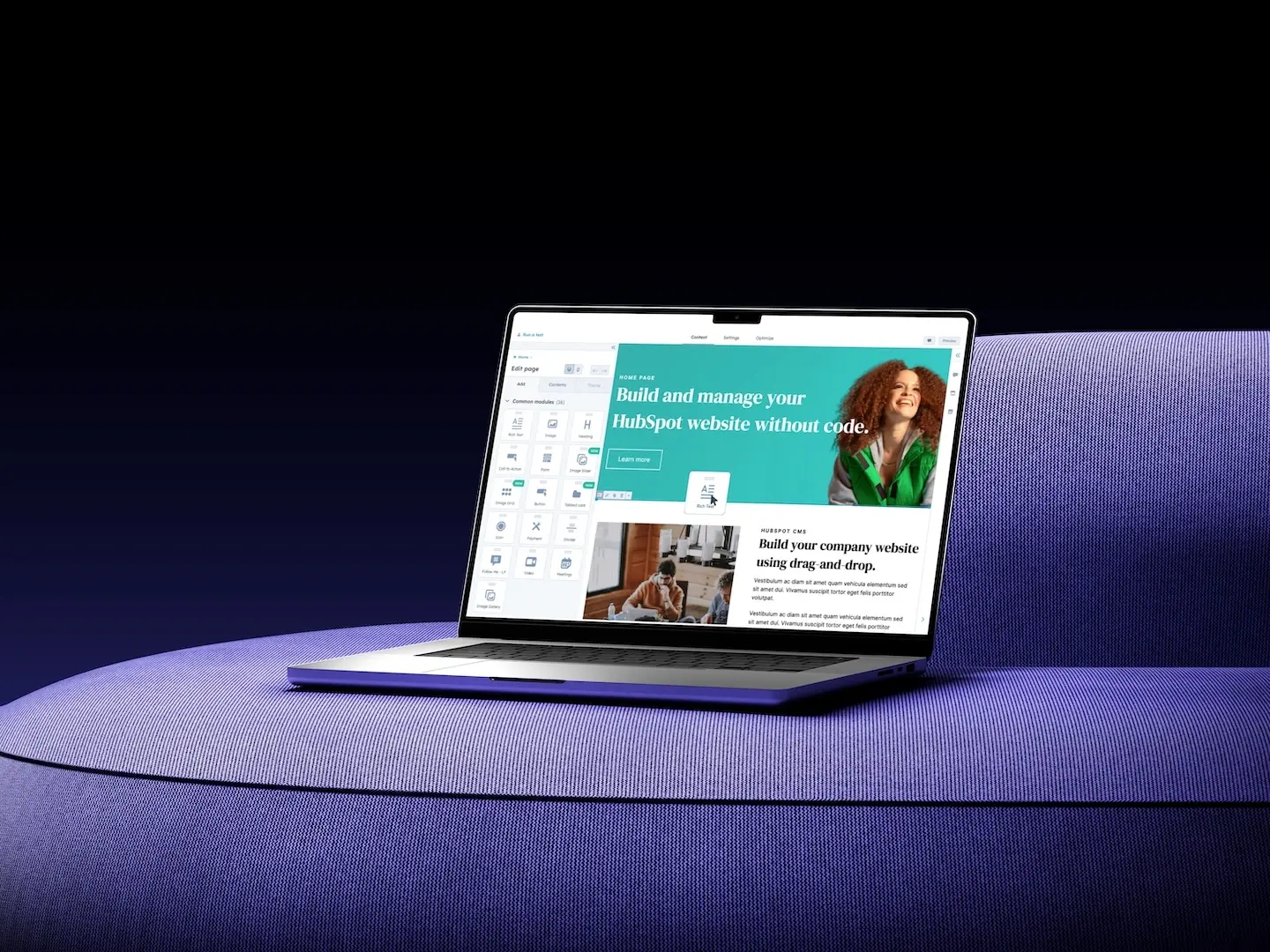
If you’re just beginning your online journey, HubSpot makes it easy to build and manage your website—even if you don’t have technical experience. With its drag-and-drop editor, built-in templates, and marketing tools, you can create a professional site in just a few steps. Here’s a simple guide to get started.
Step 1: Create Your HubSpot Account
The first thing you’ll need is a HubSpot account. You can sign up for free and immediately access the CMS Hub, where you’ll manage all your website pages.
Step 2: Choose a Template
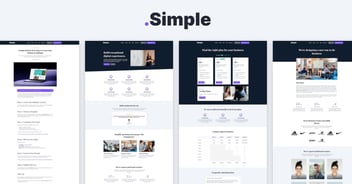
HubSpot offers ready-to-use website templates. Browse the HubSpot Marketplace to find a design that matches your brand and goals. Templates save you time and ensure your site looks professional from the start.
Step 3: Customize Your Pages
Using HubSpot’s drag-and-drop editor, you can easily:
-
Add text, images, and videos
-
Change colors and fonts to fit your brand
-
Rearrange sections to match your preferred layout
No coding required—everything is visual and beginner-friendly.
👉 Check "How to Change Theme Settings in HubSpot Without Touching Code"
Step 4: Add Your Key Pages
Start with the basics:
-
Homepage – Your first impression
-
About Page – Tell your story
-
Contact Page – Make it easy for people to reach you
-
Blog (optional) – Share updates and attract visitors through content
Step 5: Connect Your Domain
To go live, you’ll need to connect your website to a custom domain. HubSpot guides you step by step through this process, so your website is accessible to the world.
👉 Check "Connect Your Domain to HubSpot: A Clear, Step-by-Step Guide (with DNS tips)"
Step 6: Publish and Grow
Once your pages are ready, hit Publish! From there, you can use HubSpot’s built-in tools to track visitors, optimize your site, and keep improving.
Final Tip
Creating a website in HubSpot doesn’t have to be complicated. Start small, focus on your essential pages, and grow step by step as your business evolves.
👉 Want to explore templates to kickstart your site? Visit the HubSpot Marketplace and find the perfect design for you.